All users wishing to bid in an auction must register by clicking the [Register] link on the top right-hand side of your iRostrum instance 'Home' page.
The user must then complete a 4 step registration process:
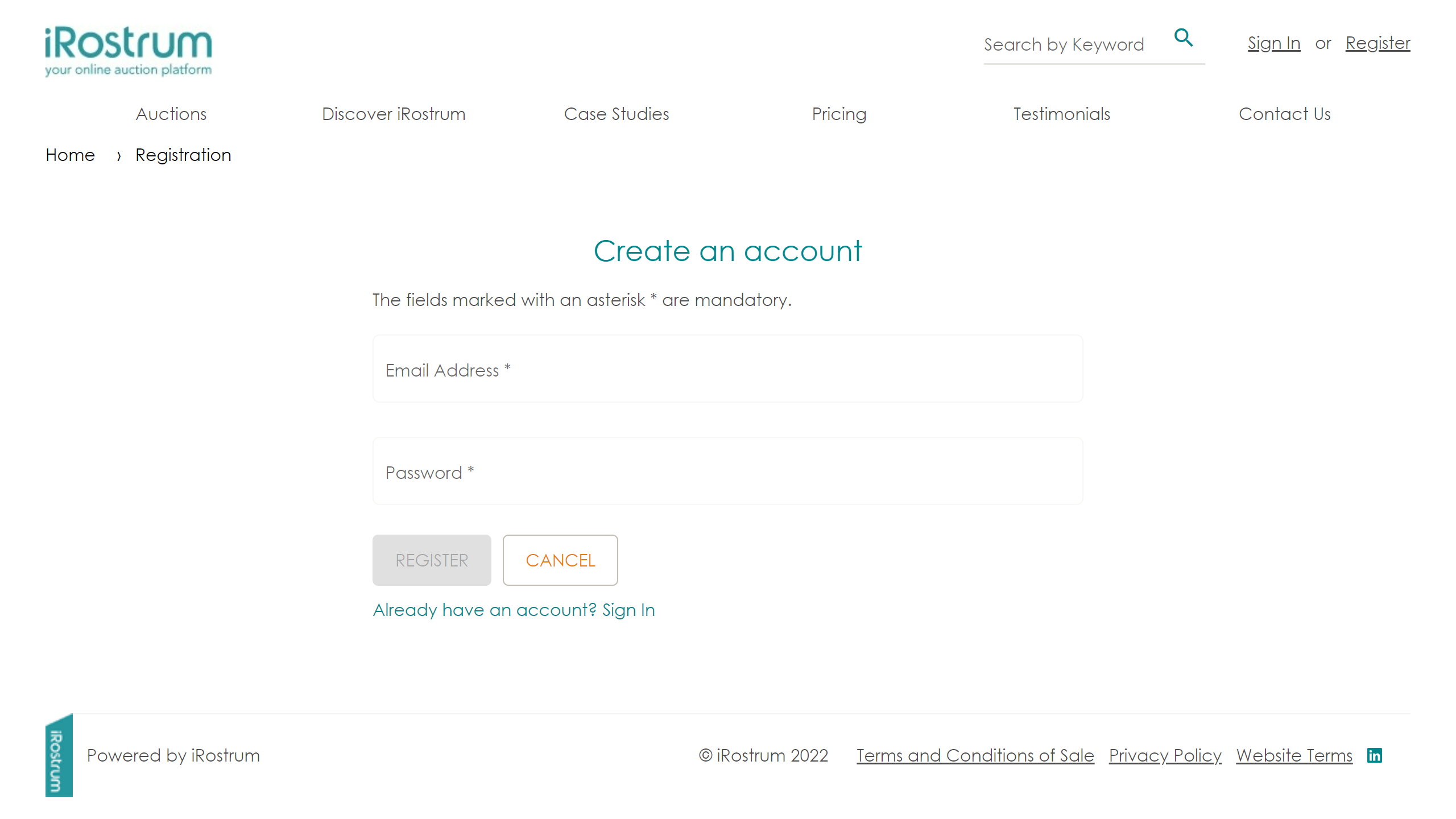

Step 1 - Create an account
Register an email address and create a password for the account. On submitting, an automated email will be sent to the registered email address.
Step 2 - Validate email
The user must follow the link in the email to validate it is an active email.
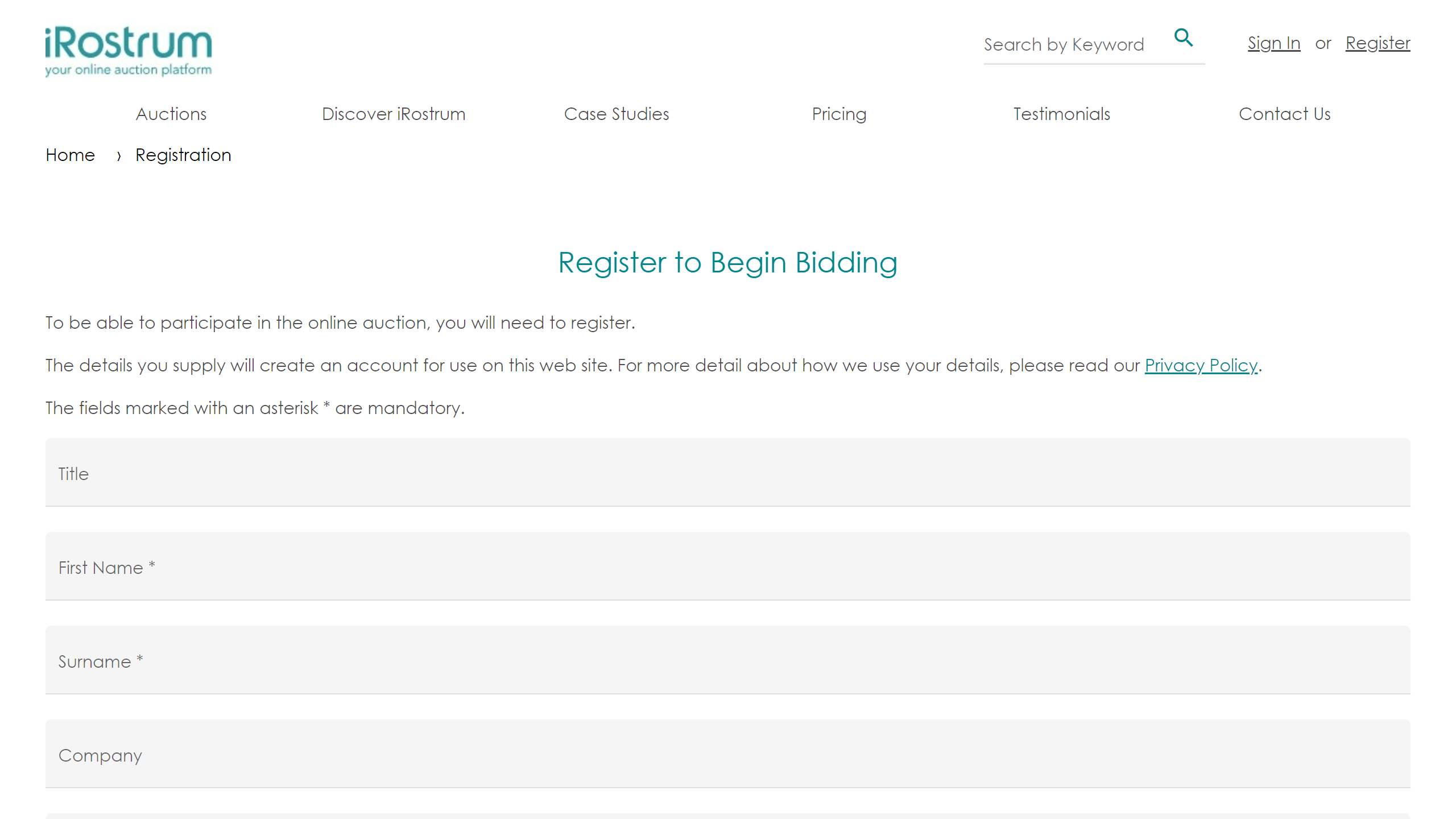
Step 3 - Complete registration
On validating the email, the user will be prompted to sign in to complete registration.
Users will need to provide their address and telephone number. They will also need to Accept your Terms and Conditions as part of the registration process.
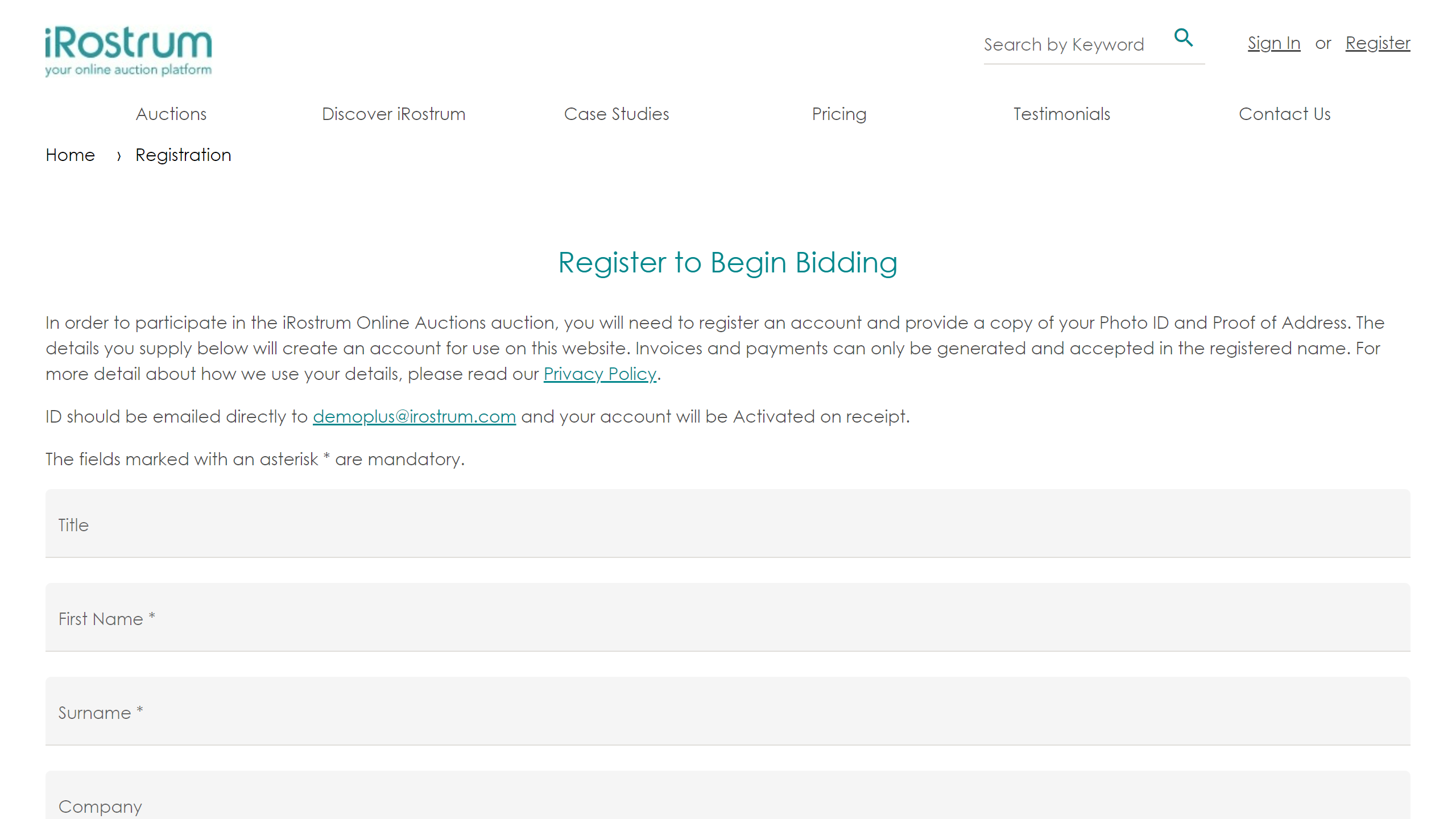
If AML Compliance is enabled for your instance, details of what is required for compliance purposes are outlined at the top of the registration page. They will have to actively accept the bidding restrictions that will apply if they do not provide the necessary documentation for AML Compliance.
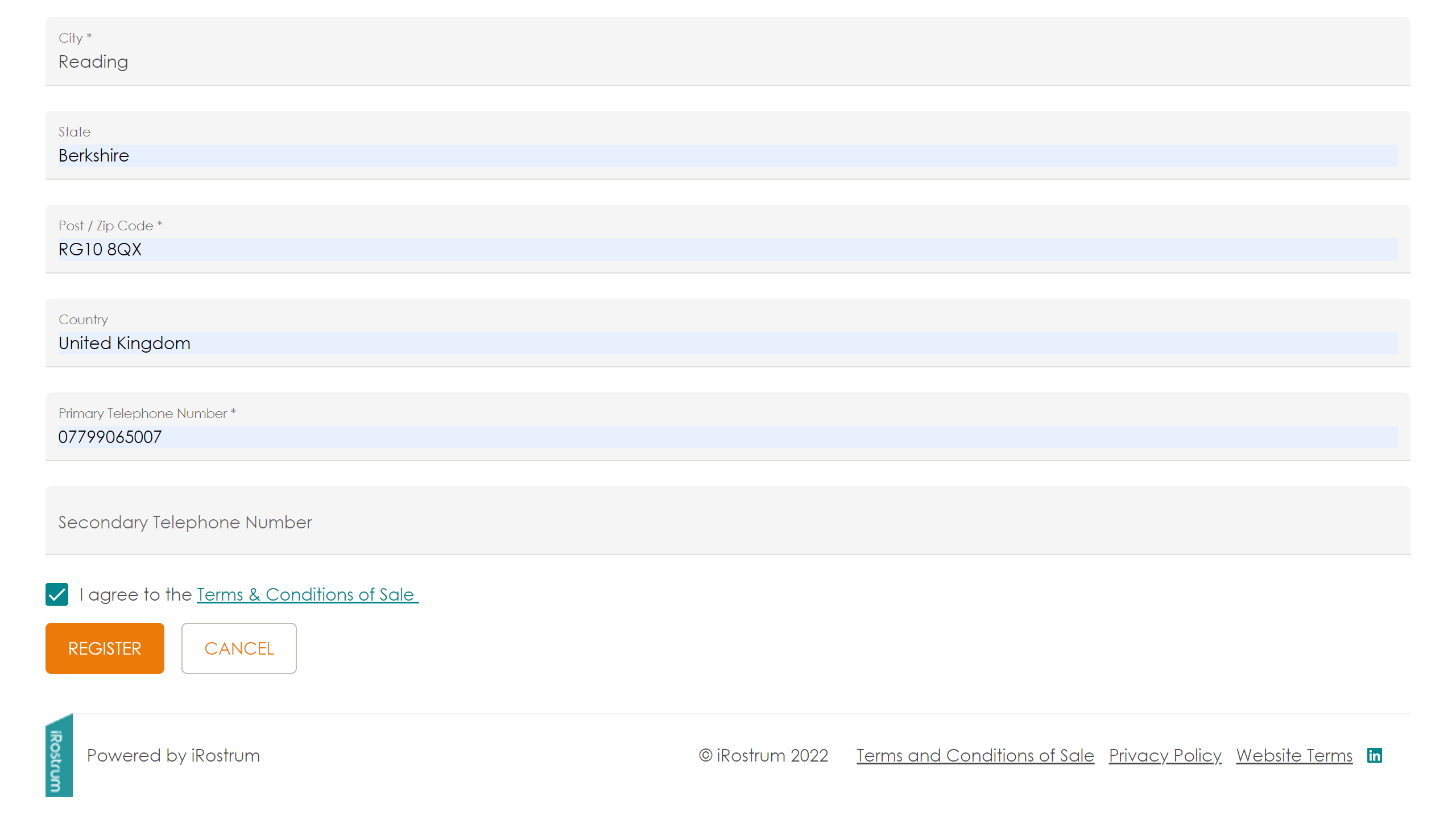
Step 4 - Registration Complete
On completion of registration, the user will have an active client account and can start bidding.
The iRostrum Instance Administrator will be sent an automated email with details of the new client registration for any further processing.